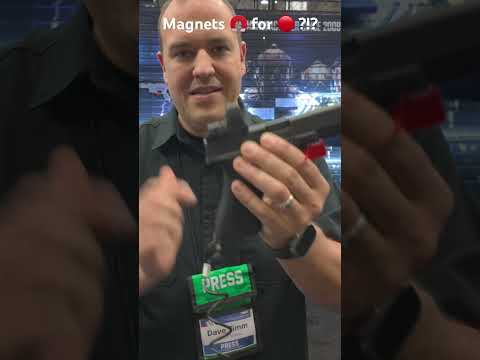
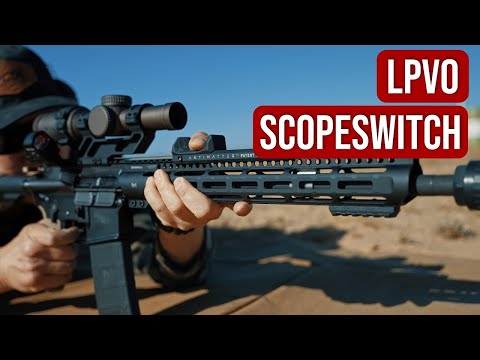
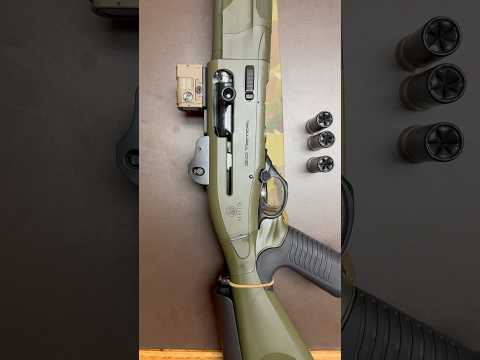
How To Mount Aimpoint Magnifier To Scalarworks Leap/06 & Review #gunaccessories #scope #howto

Published on August 20, 2025
Duration: 0:49

This guide details the installation of an Aimpoint magnifier onto a Scalarworks Leap/06 quick-detach mount. It covers the material specifications of the mount, the step-by-step mounting process including leveling and torque specifications, and essential zeroing and diopter adjustment techniques for optimal clarity. The Scalarworks Leap/06 is highlighted as a lightweight, durable option for firearm optics.

Quick Summary

Mounting an Aimpoint magnifier to a Scalarworks Leap/06 involves sliding the magnifier into the mount, visually leveling it, and then tightening the screws to 25 inch-pounds. After securing the mount to the rail, zero the magnifier by centering the dot and adjust the diopter for clear vision.

Chapters

  1. 00:00Introduction: Magnifier Mounting & Review
  2. 00:03Scalarworks Leap/06 Overview
  3. 00:07Mount Material & Specs
  4. 00:14Included Items
  5. 00:17Installing Magnifier into Mount
  6. 00:22Leveling and Tightening
  7. 00:28Final Torque Spec
  8. 00:31Mounting to Rail
  9. 00:36Zeroing Magnifier
  10. 00:41Adjusting Diopter

Frequently Asked Questions

What are the key specifications of the Scalarworks Leap/06 mount?

The Scalarworks Leap/06 mount is constructed from 7075 T6 Aluminum Billet, weighs 2.33 ounces, and has a height of 1.57 inches. It is designed as a lightweight, quick-detach solution for optics like Aimpoint magnifiers.

How do I properly torque the magnifier screws on the Scalarworks Leap/06 mount?

After visually leveling the magnifier, tighten the screws by alternating between them. The final torque specification for these screws on the Scalarworks Leap/06 mount is 25 inch-pounds to ensure a secure fit without damaging the optic.

What is the process for zeroing an Aimpoint magnifier with a Scalarworks Leap/06 mount?

To zero your Aimpoint magnifier, adjust the windage and elevation turrets on the optic until the red dot is perfectly centered within the magnified view. This ensures your aiming point is accurate through the magnifier.

How can I achieve the clearest image when using an Aimpoint magnifier?

For optimal vision clarity, adjust the diopter ring on the Aimpoint magnifier. Turn it left or right until the image appears sharp and clear, compensating for any individual vision imperfections.

Related News

All News →

More Tactical & Gear Videos You Might Like

More from Gear And Guns

View all →