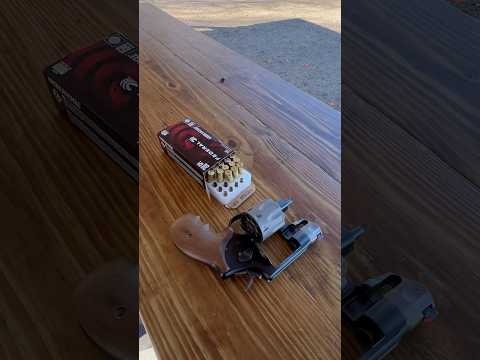
How to power off the Trijicon RMR HD Red Dot and change reticle?

Published on November 6, 2025
Duration: 0:43

This guide details how to power off and change reticle patterns on the Trijicon RMR HD red dot sight. The process involves holding specific buttons for a set duration. The video, presented by Mr. Madness, demonstrates these functions clearly, highlighting the ease of use for this optic, which is shown mounted on a Glock 20 Gen5.

Quick Summary

To power off the Trijicon RMR HD, hold both the plus and minus buttons simultaneously for about six seconds until the reticle blinks and turns off. To turn it back on, press either button. To change reticles, hold both buttons until blinking, then press one to cycle.

Chapters

  1. 00:00Introduction to Trijicon RMR HD
  2. 00:08How to Power Off RMR HD
  3. 00:20How to Power On RMR HD
  4. 00:26How to Change RMR HD Reticle
  5. 00:36Conclusion and Call to Action

Frequently Asked Questions

How do I turn off the Trijicon RMR HD red dot sight?

To power off the Trijicon RMR HD, simultaneously press and hold both the plus (+) and minus (-) buttons for approximately six seconds. You will see the reticle blink, and then it will shut off completely.

How can I change the reticle pattern on the Trijicon RMR HD?

To change the reticle pattern on the Trijicon RMR HD, press and hold both the plus (+) and minus (-) buttons until the reticle starts blinking. Then, press one of the buttons to cycle through the available reticle options.

How do I turn on the Trijicon RMR HD after it's powered off?

Turning the Trijicon RMR HD back on is simple. Just press either the plus (+) or minus (-) button, and the reticle will reappear instantly, ready for use.

Related News

All News →

More Tactical & Gear Videos You Might Like

More from Mr. Madness

View all →