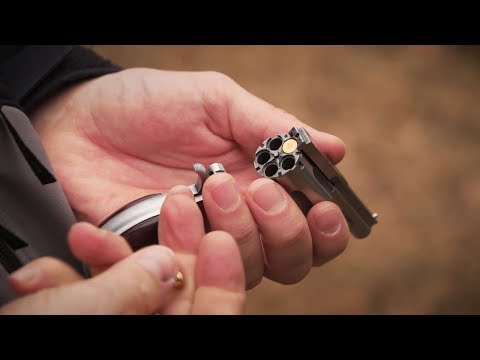
See the badass PCC build on BUILD BOX.

Published on October 17, 2024
Duration: 1:01

This video demonstrates the installation of a rapid attach buttstock system onto a firearm, likely a Pistol Caliber Carbine (PCC). The process involves attaching a buttstock adapter and then quickly securing the buttstock itself, highlighting its ease of use for storage and breakdown.

Quick Summary

A rapid attach buttstock system allows for quick breakdown of a firearm, making it ideal for compact storage and transport. Installation involves attaching a buttstock adapter and then twisting the buttstock onto it until it locks, often via a push-button mechanism.

Chapters

  1. 00:00Introduction and Grip Installation
  2. 00:10Buttstock Adapter Installation
  3. 00:24Rapid Attach Buttstock Demonstration
  4. 00:39Final Look at the PCC Build

Frequently Asked Questions

How do you install a rapid attach buttstock?

To install a rapid attach buttstock, first ensure the firearm is unloaded. Attach the buttstock adapter to the receiver extension, then align and twist the rapid attach buttstock onto the adapter until it locks securely. This system allows for quick detachment.

What is the benefit of a rapid attach buttstock?

A rapid attach buttstock offers the advantage of quickly breaking down a firearm into smaller components. This makes it ideal for compact storage, easier transportation, and potentially faster deployment in certain situations.

How does a rapid attach buttstock detach?

Detaching a rapid attach buttstock typically involves pressing a release button, often located on the buttstock adapter or the buttstock itself, and then twisting the buttstock to disengage it from the firearm's receiver extension.

What kind of firearm is shown with the rapid attach buttstock?

The video appears to be showcasing a Pistol Caliber Carbine (PCC) build. The rapid attach buttstock system is being integrated as part of this custom firearm assembly.

Related News

All News →

More Tactical & Gear Videos You Might Like

More from Gun Talk Media

View all →