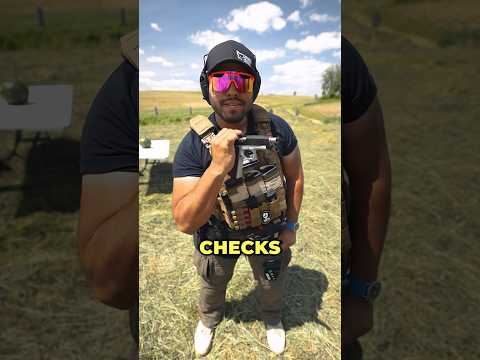
How To STABILIZE Footage In Premiere Pro - NO Warp Stabilizer - Get Smooth Epic Shots
This video demonstrates how to achieve smooth slow-motion footage and stabilize shaky clips in Adobe Premiere Pro without using the Warp Stabilizer. The instructor, Johnny Q, emphasizes filming at 60 frames per second and utilizes Premiere Pro's 'Optical Flow' for stabilization and 'Speed Duration' adjustments for slow motion, offering a practical alternative to the Warp Stabilizer.