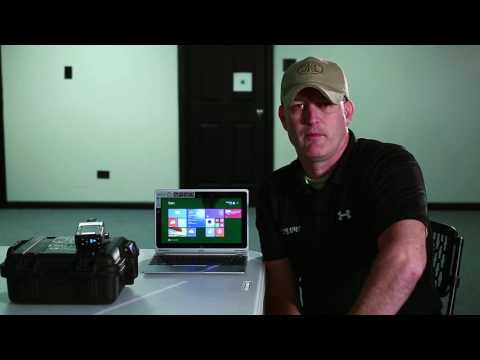
Mechanical Zeroing the FN Expert™ Optical Device

Published on September 9, 2016
Duration: 2:30

This guide details the process of mechanically zeroing the FN Expert optical device. It involves powering on the device, entering a specific zero mode, aiming at a target, firing a shot, and then making precise adjustments to the elevation and azimuth screws based on the device's feedback. The process is confirmed when the device displays 'OK, OK', indicating successful alignment.


Quick Summary

To mechanically zero the FN Expert optical device, turn it on, then press and hold the power button for an additional second to enter zero mode. Aim at your target, take a shot, and use the on-screen feedback to adjust the elevation and azimuth screws with a hex key. The device is zeroed when it displays 'OK, OK' after a second shot.

Chapters

  1. 00:00Introduction to Mechanical Zeroing
  2. 00:07Powering On the FN Expert
  3. 00:18Entering Mechanical Zero Mode
  4. 00:35Identifying Zero Mode Indicators
  5. 00:44Aiming and Audio Cues
  6. 00:57Taking the First Shot
  7. 01:04Reading Adjustment Feedback
  8. 01:15Making Elevation and Azimuth Adjustments
  9. 01:19Clearing Information and Returning to Crosshair
  10. 01:27Taking the Second Shot
  11. 01:37Confirmation of Mechanical Zero

Frequently Asked Questions

How do I put the FN Expert optical device into mechanical zero mode?

To enter mechanical zero mode on the FN Expert, first turn the device on with a one-second press of the power button. Then, press and hold the power button again for one additional second. The device will indicate it's in zero mode by displaying a crosshair and a signal strength bar.

What visual and audio cues indicate I'm ready to zero the FN Expert?

When the FN Expert is in zero mode, you'll see a crosshair and a signal strength bar on the left side of the screen. An audio cue will sound when you are relatively close to your target, signaling it's time to take a well-aimed shot for zeroing.

How do I make adjustments after firing the first shot for zeroing the FN Expert?

After firing your first shot, the FN Expert will display the necessary adjustments on its rear screen. Use the provided hex key to turn the elevation and azimuth screws the indicated number of clicks in the specified directions (e.g., counterclockwise for elevation, clockwise for azimuth).

How do I know when the FN Expert is successfully mechanically zeroed?

Once you have completed the adjustments and taken a second well-aimed shot, the FN Expert's screen will display 'OK, OK' for both positions. This confirmation indicates that the device is now mechanically zeroed and aligned with your sights.

More Tactical & Gear Videos You Might Like

More from FN America

View all →