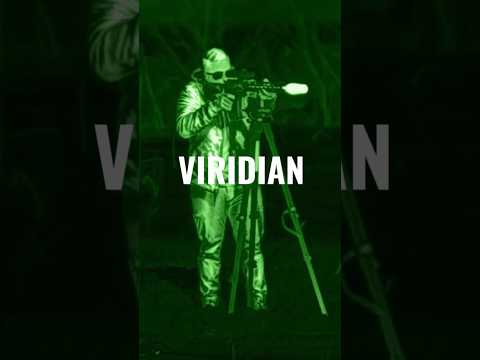
Nighthog Clip on POV

Published on January 12, 2026
Duration: 0:52

This video from Tactical Advisor provides a POV demonstration of the Nighthog thermal clip-on device. It showcases the device's capabilities in various lighting conditions and environments, highlighting its multiple color palettes and clear imaging for target identification. The demonstration emphasizes the Nighthog's effectiveness for tactical applications and hunting in low-light scenarios.

Quick Summary

The Nighthog thermal clip-on device offers versatile thermal imaging with multiple color palettes like White Hot, Red Hot, and Black Hot. It features on-board recording and clear HUD information, performing effectively in both open fields and dense woods for target identification.

Chapters

  1. 00:00Nighthog Thermal Clip-on: Field View (White Hot)
  2. 00:08Thermal Color Palette Cycle: Field
  3. 00:29Nighthog Thermal Clip-on: Wooded Area View
  4. 00:37Thermal Color Palette Cycle: Woods

Frequently Asked Questions

What are the key features of the Nighthog thermal clip-on device shown in the video?

The Nighthog thermal clip-on features multiple color palettes like White Hot, Red Hot, and Black Hot for optimal target visibility. It also includes on-board recording and displays crucial information such as battery life and time on its HUD.

How does the Nighthog thermal clip-on perform in different environments?

The Nighthog demonstrates effective performance in both open fields and wooded areas. Its high resolution allows for clear identification of animal features and movement, even through dense brush, making it versatile for various hunting and tactical scenarios.

What color palettes are demonstrated with the Nighthog thermal clip-on?

The video showcases cycling through several color palettes including White Hot, Red Hot, Isotherm, Auto Isotherm, Ironbow, Rainbow, and Black Hot. This allows viewers to see how each mode enhances target contrast against different backgrounds.

More Tactical & Gear Videos You Might Like

More from Tactical Advisor

View all →