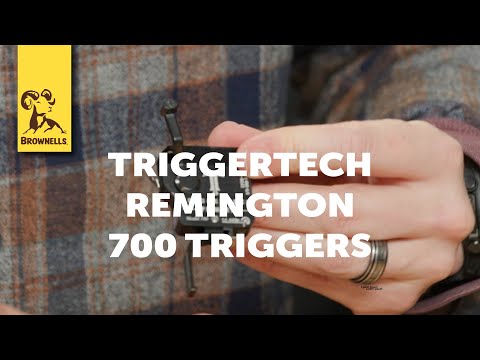
Testing a CRAZY 1.5 Pound Trigger | Best Drop-In Trigger Ever? ๐Ÿค” #Trigger #ar15pistol #shorts

Published on December 9, 2024
Duration: 0:25

This guide details the installation of a TriggerTech Diamond AR-15 drop-in trigger. It covers unboxing, physical installation into the lower receiver using pins, and a post-installation dry fire check. The video also demonstrates measuring the trigger pull weight with a Wheeler Engineering gauge, showing a measured 1.3 lbs pull from a 1.5-4.0 lbs specified range.


Quick Summary

The TriggerTech Diamond AR-15 drop-in trigger, designed for a 1.5 to 4.0 lbs pull weight, was tested and measured at an actual 1.3 lbs. Installation is straightforward, involving securing the trigger and hammer with pins in the AR-15 lower receiver, followed by dry firing to confirm function.

Chapters

  1. 00:00Unboxing TriggerTech Diamond Trigger
  2. 00:05Installing AR Trigger
  3. 00:17Dry Firing New AR Trigger
  4. 00:20Measuring Trigger Pull Weight

Frequently Asked Questions

What is the measured trigger pull weight of the TriggerTech Diamond AR-15 trigger?

The TriggerTech Diamond AR-15 trigger, specified for a pull weight range of 1.5 to 4.0 lbs, was measured at an actual pull weight of 1.3 lbs using a Wheeler Engineering trigger pull gauge.

How do you install a drop-in AR-15 trigger like the TriggerTech Diamond?

Installation involves unboxing the trigger, placing it into the AR-15 lower receiver, and securing it with the provided pins. Post-installation dry firing is recommended to confirm proper function.

What tools are needed to install and test an AR-15 trigger?

For installation, you'll need the trigger assembly and the AR-15 lower receiver with pins. To test the pull weight, a Wheeler Engineering trigger pull gauge is a useful tool.

Related News

All News โ†’

More Gunsmithing & DIY Videos You Might Like

More from AT3 Tactical

View all โ†’