How to Load a Magazine | Handgun 101 with Top Shot Chris Cheng

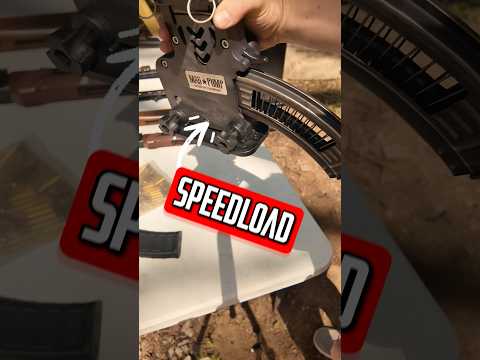
This video provides a beginner's guide to loading handgun magazines, specifically demonstrating with a Glock 19. It covers identifying magazine orientation, the manual loading technique by pressing down on the follower, and the benefits of using a speed loader for efficiency and hand strength preservation. The importance of firearm safety and compatibility checks is also emphasized.

Quick Summary

To manually load a handgun magazine, press down on the follower at the front and slide the cartridge back under the feed lips. Always ensure correct orientation; the flat side is the back, and cartridges face forward. Use a speed loader for efficiency and reduced hand strain.

Chapters

  1. 00:00Introduction to Magazine Loading
  2. 00:12Identifying Magazine Types & Caliber
  3. 00:40Determining Magazine Orientation
  4. 01:20Manual Magazine Loading Technique
  5. 02:13Firearm Compatibility Check
  6. 02:48Using a Speed Loader

Frequently Asked Questions

What is the correct way to orient a handgun magazine?

The flat side of the magazine is typically the back. The cartridges should face the opposite direction, which is the front, ready to be fed into the firearm.

How do you manually load a handgun magazine?

Press down on the follower or the last loaded round at the front of the magazine. Then, slide the new cartridge back under the feed lips into the magazine.

Why is it important to check magazine compatibility with the firearm?

Magazines are designed to insert easily only in the correct direction. Checking this ensures proper orientation and prevents potential feeding issues or firearm malfunctions.

What are the benefits of using a speed loader for magazines?

Speed loaders significantly increase loading efficiency and reduce the strain on your hands and fingers, especially when loading multiple magazines or during long range sessions.

Related News

All News →

More Training & Techniques Videos You Might Like

More from NSSF—The Firearm Industry Trade Association

View all →